Merge PDF files
Drop PDF files here or click to browse
Add two or more PDFs to combine them into one.
Accepted file type: PDF (add two or more)
Log in or sign up free to import from Google Drive or Dropbox.
Your file is ready
Your PDFs have been merged. Download your combined file below.
More tools
Other tools
PDF to WordPDF → Word
Word to PDFWord → PDF
File OrganizerReorder pages
Compress PDFReduce size
PDF to ExcelPDF → Excel
Excel to PDFExcel → PDF
PDF to PowerPointPDF → PPT
PowerPoint to PDFPPT → PDF
Sign PDFAdd a signature
Redact PDFBlack out text
Password Protect PDFLock a PDF
Unlock PDFRemove password
Repair PDFFix a damaged file
Translate DocumentInto 100+ languages
PDF to JPGPDF → JPG
JPG to PDFJPG → PDF
PDF to PNGPDF → PNG
PNG to PDFPNG → PDF
JPG to PNGJPG → PNG
PNG to JPGPNG → JPG
WebP to PNGWebP → PNG
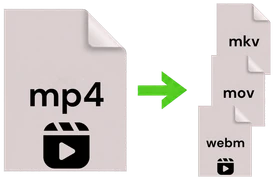
Video ConverterMP4, MOV, AVI & more
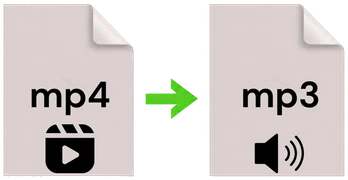
Audio ExtractorVideo → MP3
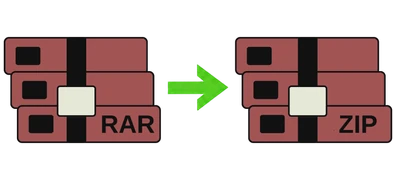
Archive ConverterZIP, RAR, 7Z & more





Combine in your order
Add PDFs one after another and they are joined in exactly the order you add them.
Fast and reliable
A high-quality engine merges your documents into one clean PDF in seconds.
Simple and quick
Just add your files and merge them in a few clicks with a clean, easy tool.
How it works
Three simple steps
Merging PDFs takes just seconds.
1
Add your PDFs
Drag and drop two or more PDF files, or click to browse and add them.
2
Merge instantly
Your files run through our fast, trusted engine and are joined into one PDF.
3
Download the result
Save your combined PDF right away, with no waiting around.