Organize your file
Drop a file here or click to browse
PDF and Word open as pages. Excel opens as sheets. One file at a time.
Log in or sign up free to import from Google Drive or Dropbox.
Reading your file…
More tools
Other tools
PDF to WordPDF → Word
Word to PDFWord → PDF
PDF MergerMerge PDFs
Compress PDFReduce size
PDF to ExcelPDF → Excel
Excel to PDFExcel → PDF
PDF to PowerPointPDF → PPT
PowerPoint to PDFPPT → PDF
Sign PDFAdd a signature
Redact PDFBlack out text
Password Protect PDFLock a PDF
Unlock PDFRemove password
Repair PDFFix a damaged file
Translate DocumentInto 100+ languages
PDF to JPGPDF → JPG
JPG to PDFJPG → PDF
PDF to PNGPDF → PNG
PNG to PDFPNG → PDF
JPG to PNGJPG → PNG
PNG to JPGPNG → JPG
WebP to PNGWebP → PNG
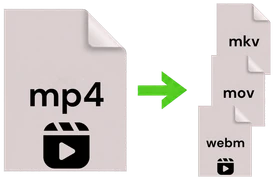
Video ConverterMP4, MOV, AVI & more
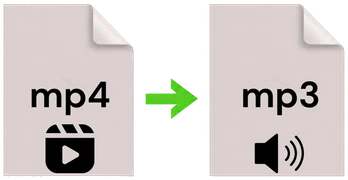
Audio ExtractorVideo → MP3
Archive ConverterZIP, RAR, 7Z & more










Drag to reorder
Pick up any page and drop it where you want it. The new order is applied when you save.
See every page
Real page previews are generated in your browser so you always know which page you are editing.
Excel opens as sheets
Spreadsheets are organized sheet by sheet in your browser, so your data and formulas stay intact.
How it works
Three simple steps
Rearranging a document takes just a moment.
1
Upload your file
Drop in a PDF, Word or Excel file. The panel opens and shows every page or sheet.
2
Organize the pages
Click a page or sheet to select it, then duplicate or delete it. Drag them to reorder.
3
Save and download
Press save and your rearranged file is built and ready to download right away.